
Save an edit
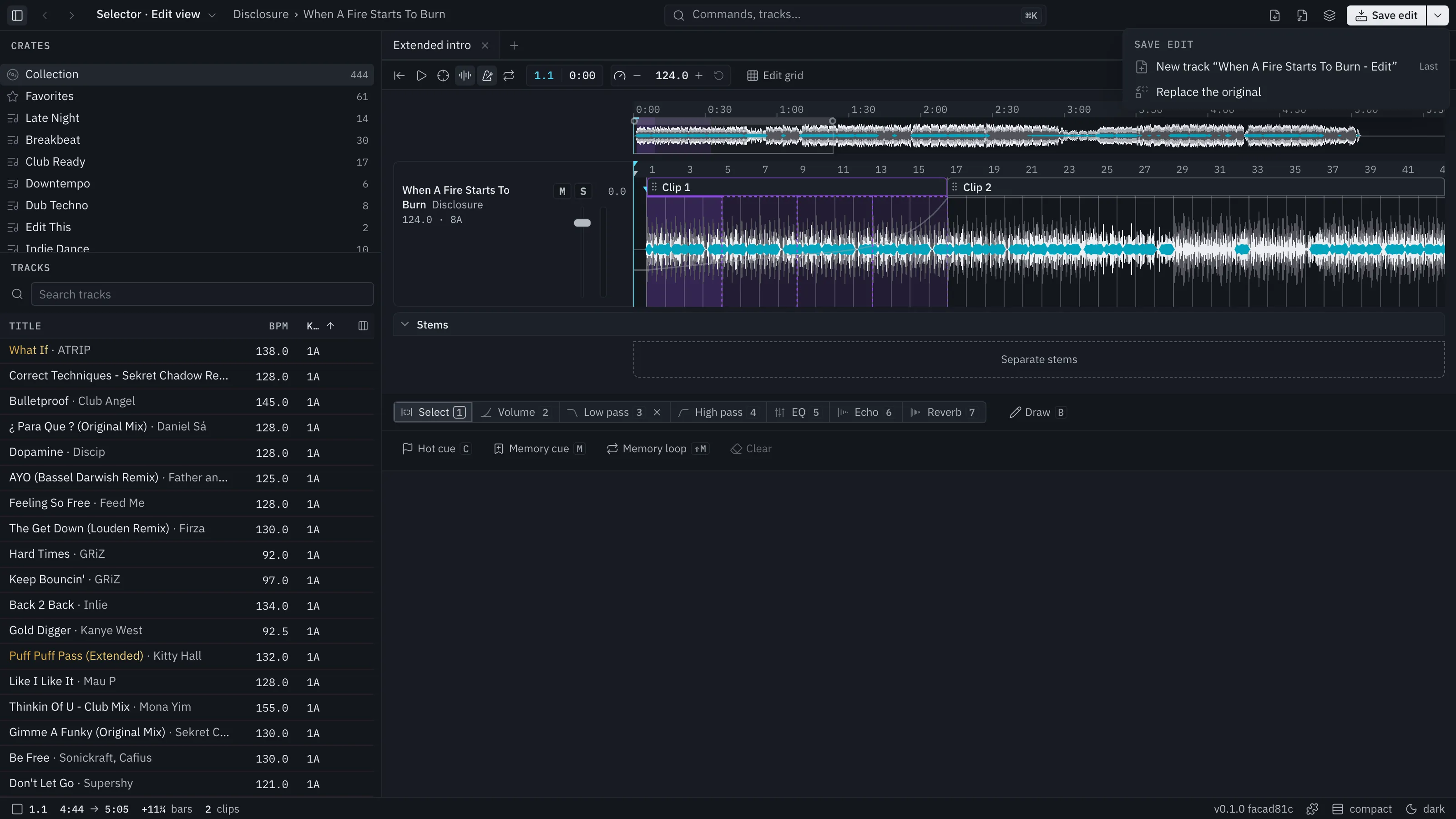
An edit autosaves as you work. Save edit (⌘S) renders it to audio and puts the result in your library.
Two ways
Section titled “Two ways”- New track. Selector Studio adds “Title - Edit” with the original’s tags, artwork and details, and puts it right after the original in every crate that holds it. Your cues carry through the edit. If you save again before a Sync, the same track is updated.
- Replace the original. The original’s entry in Rekordbox points at the new render.
Either way you see the change as a line of the Sync preview first. A new track reaches Rekordbox on your next Sync. Nothing is written to Rekordbox until you confirm.
Re-edit
Section titled “Re-edit”Open a “- Edit” track and Selector Studio opens the original audio with its edit on it, never the render. Crates marks “- Edit” tracks EDIT and replaced originals EDITED.
The Save menu lists the edit’s past saves with dates. Pick one to put the edit back as it was then, in one undoable step.
Where the files go
Section titled “Where the files go”Each save renders to its own file in the edits folder. Earlier renders stay on disk. Selector Studio does not clean them up for you yet.
Tracks that lay in another track
Section titled “Tracks that lay in another track”If the edit lays in a different track, Selector Studio saves it as a new track named “