Free beta for Mac
A streamlined alternative to Rekordbox with editing and AI capabilities
Placeholder: edit tracks on their beat grid, find what plays next, plan the set across decks, and take it to the club on a USB stick.
Works with
- Rekordbox 6 and 7
- CDJ and XDJ players
- Mixed In Key
- MP3 · AAC · WAV · AIFF · FLAC
Edit
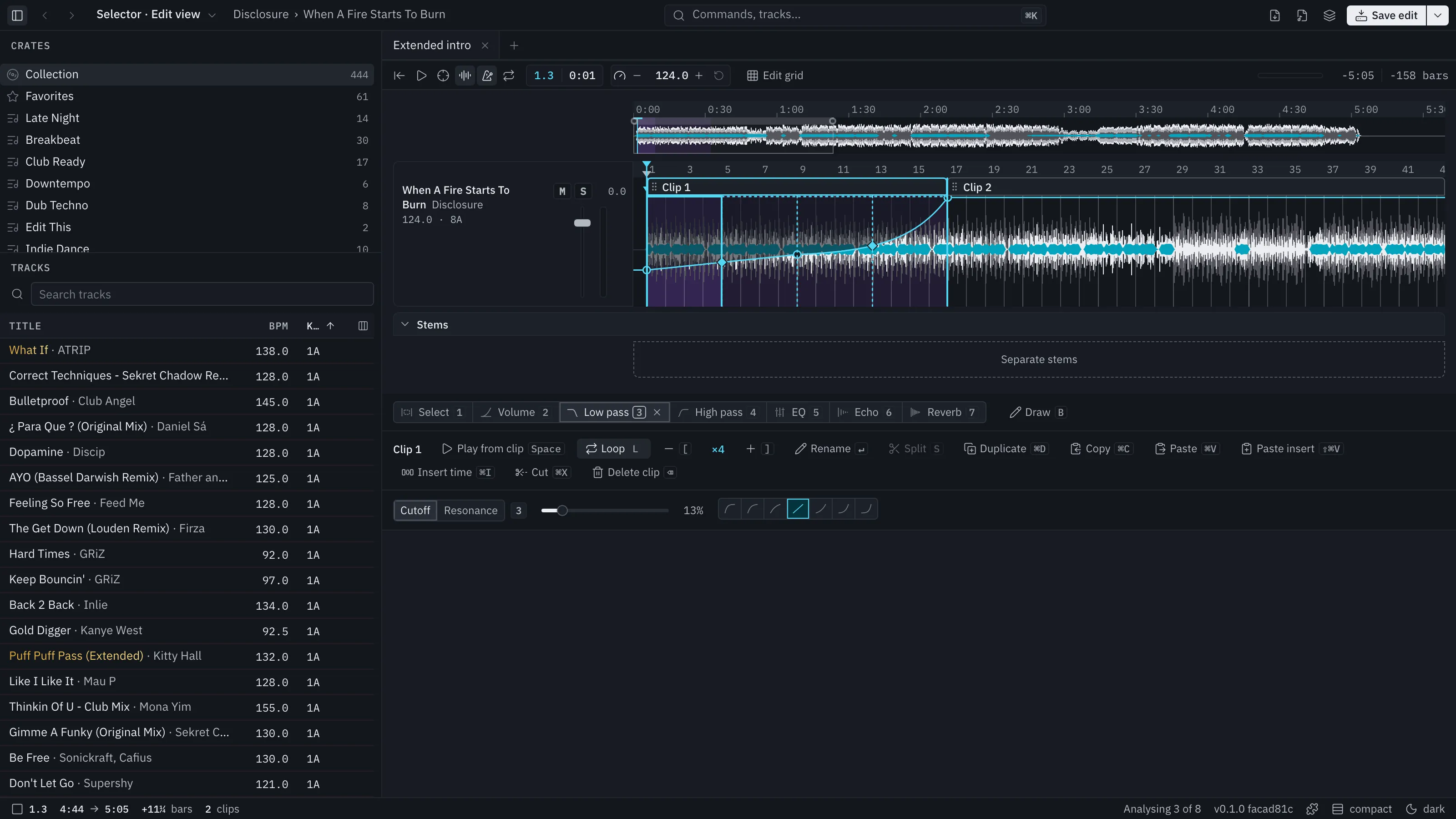
Placeholder: edit a track on its beat grid
Placeholder: drag a clip to loop the intro, cut a break, draw a filter sweep. You hear every change as you make it.
- LLoop
- SSplit
- BDraw a curve
What's next
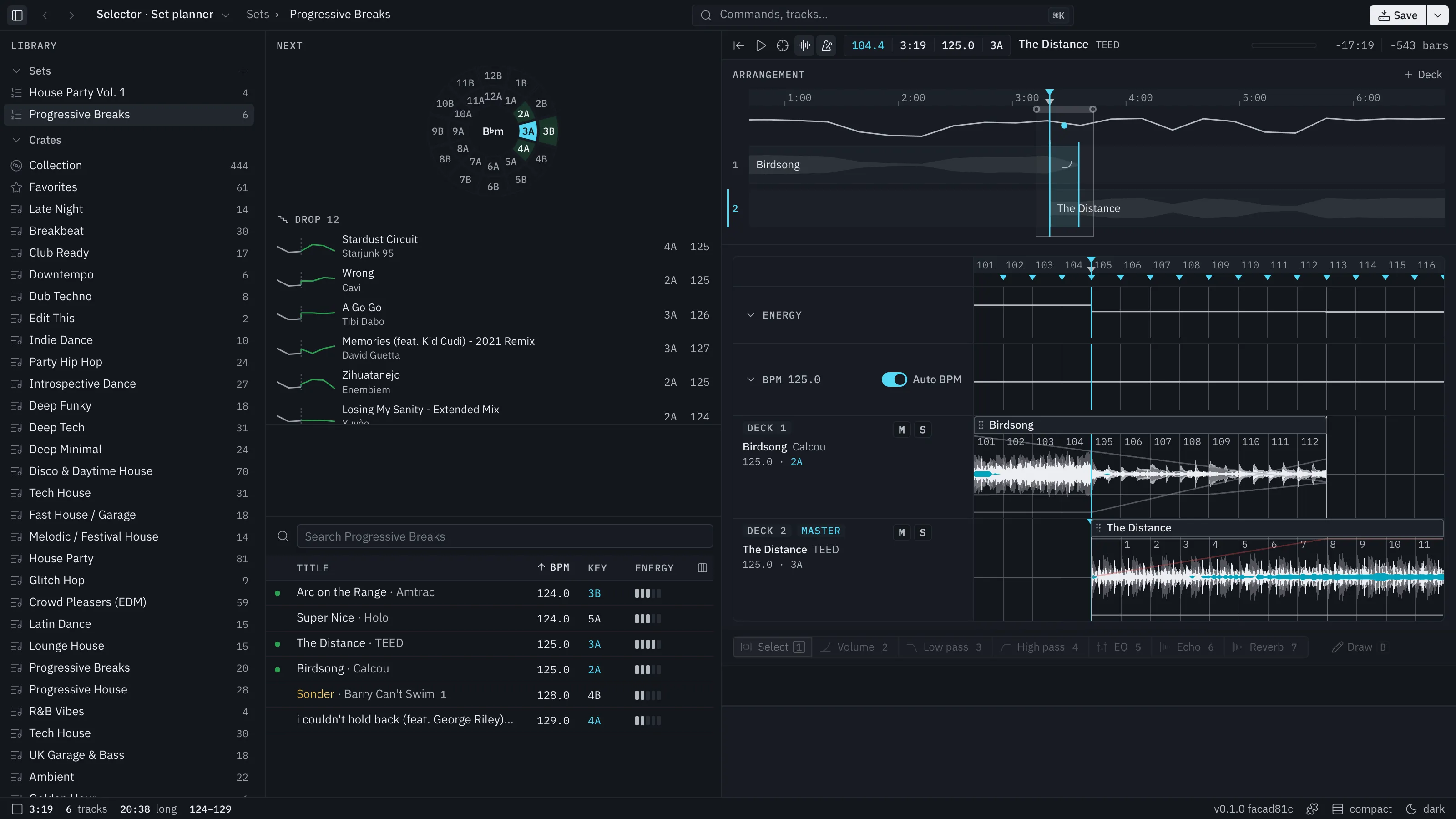
Placeholder: find what plays next
Placeholder: Next ranks the tracks that fit after the one playing, by key and tempo. Keys that mix are blue everywhere.
Plan the set
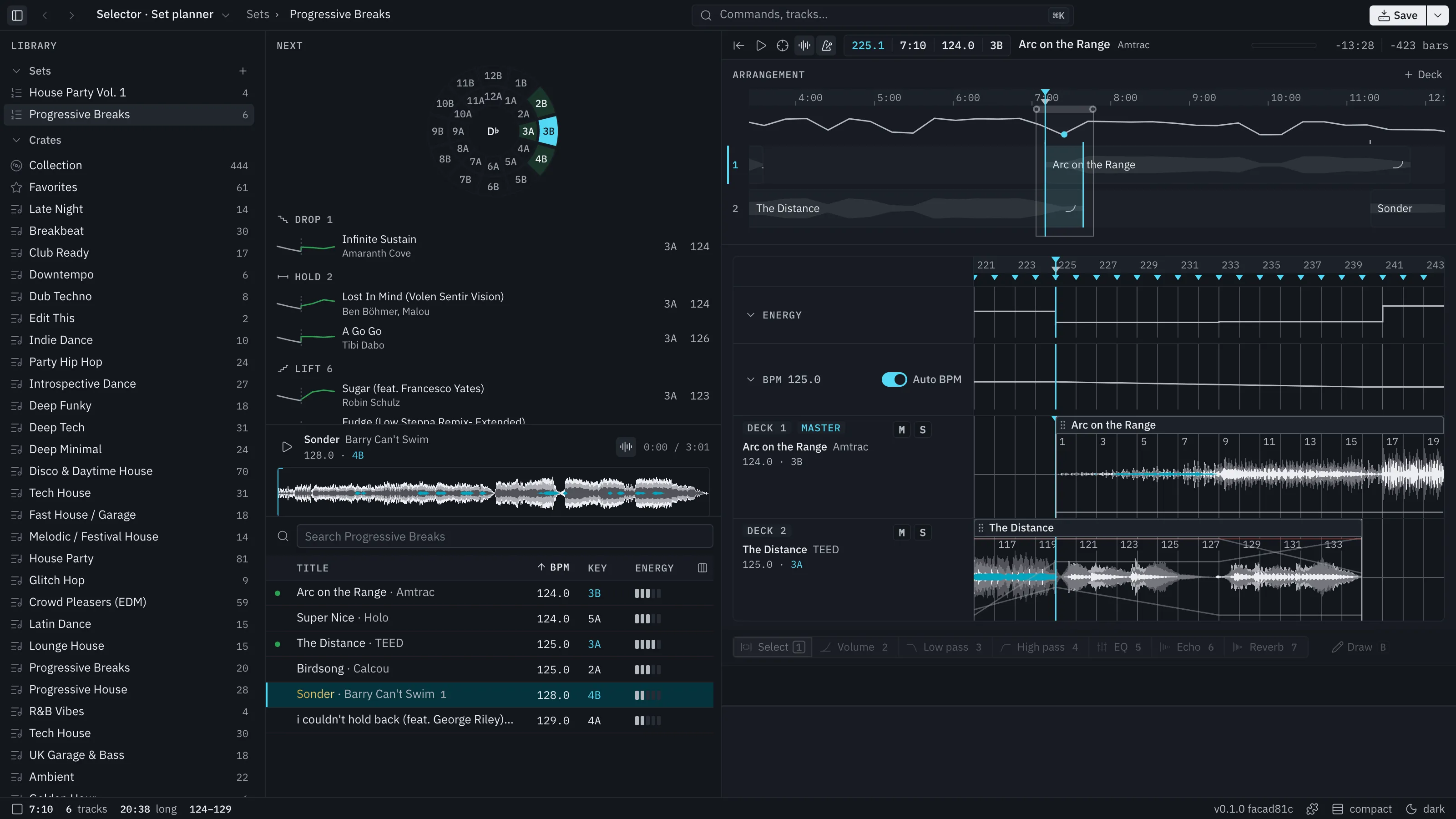
Placeholder: lay the set out across decks
Placeholder: drop tracks on decks 1 to 4, shape each transition with curves, and hear it before the gig.
- HHear the transition
- ⇧DAdd a deck
Streamlined
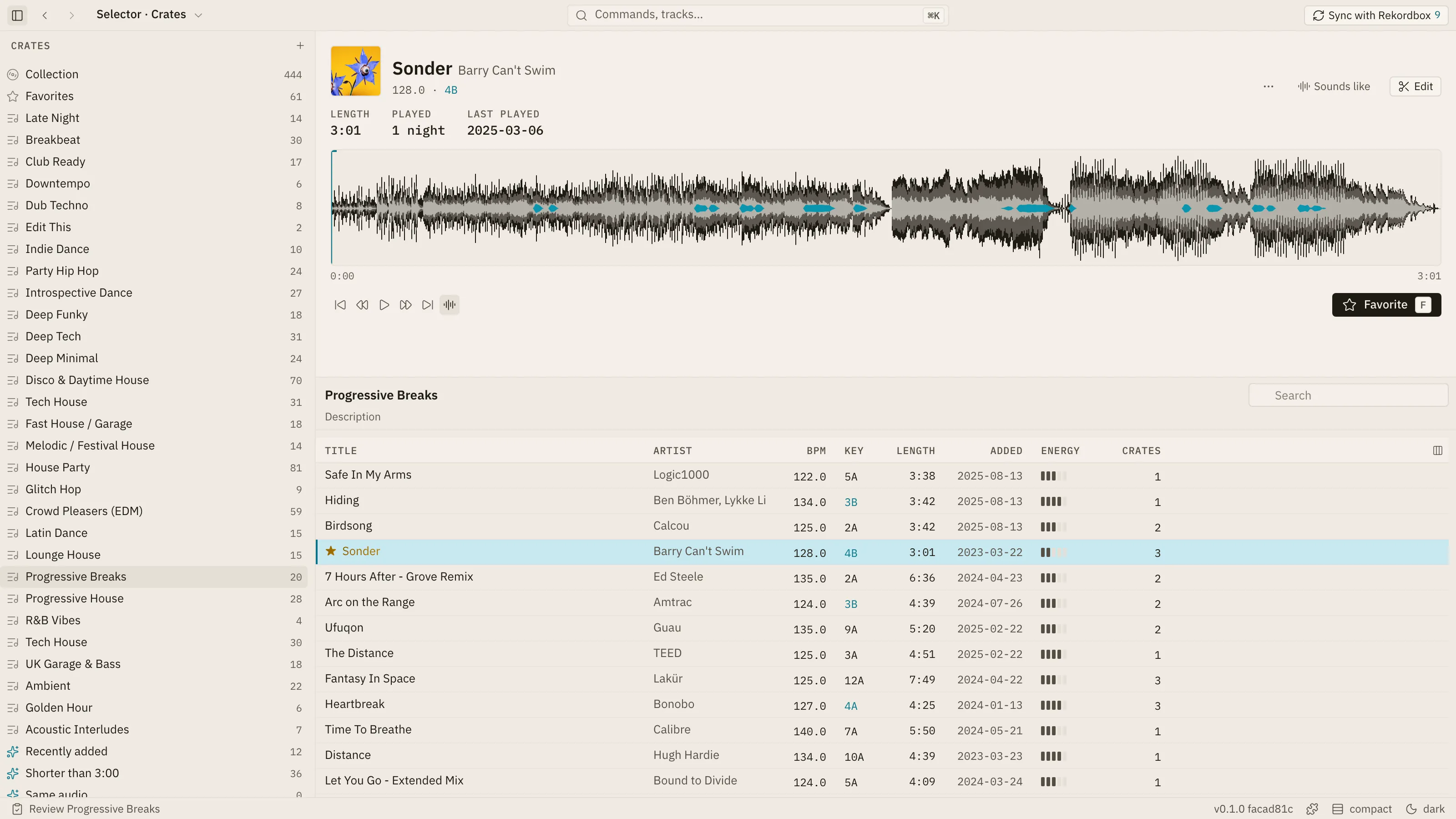
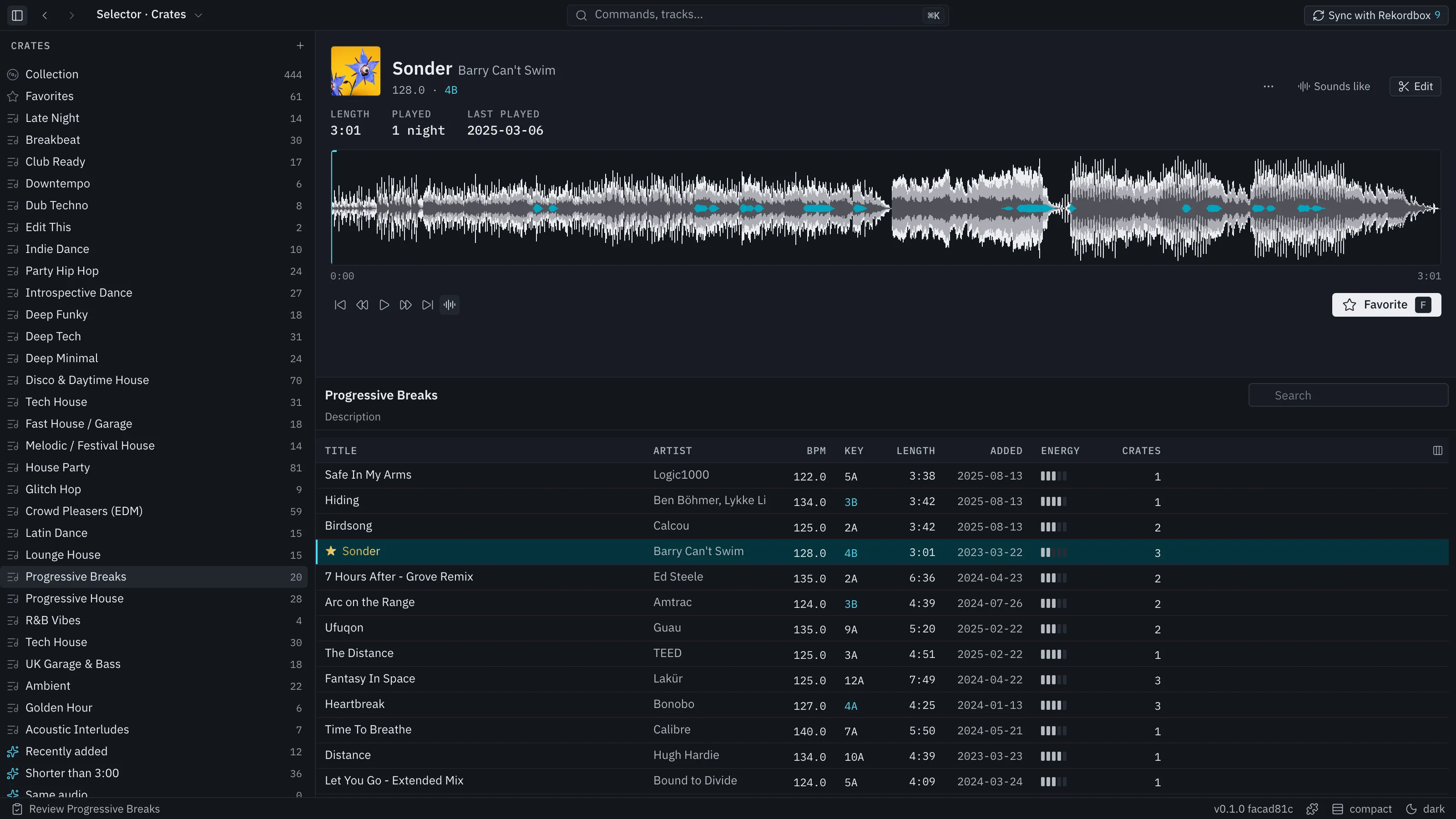
Placeholder: a clean interface that gets out of the way
Placeholder: one surface per job, controls on the thing they control, and a key for every action. Dark or light, your choice.
Take it to the club
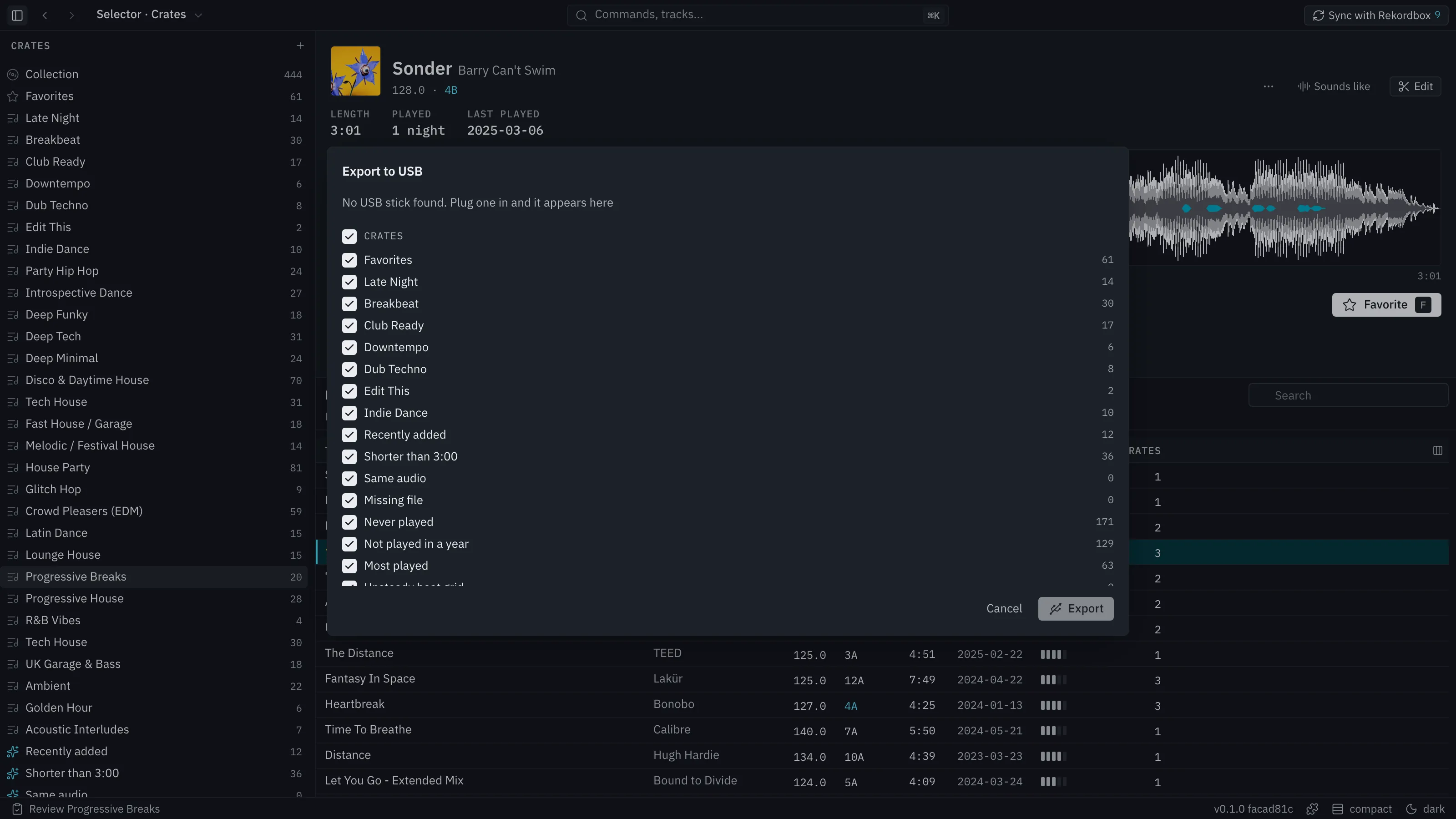
Placeholder: export to a USB stick the CDJs read
Placeholder: crates, sets, cues and beat grids go onto a stick the players read, with no Rekordbox step in between.
Safe with your library
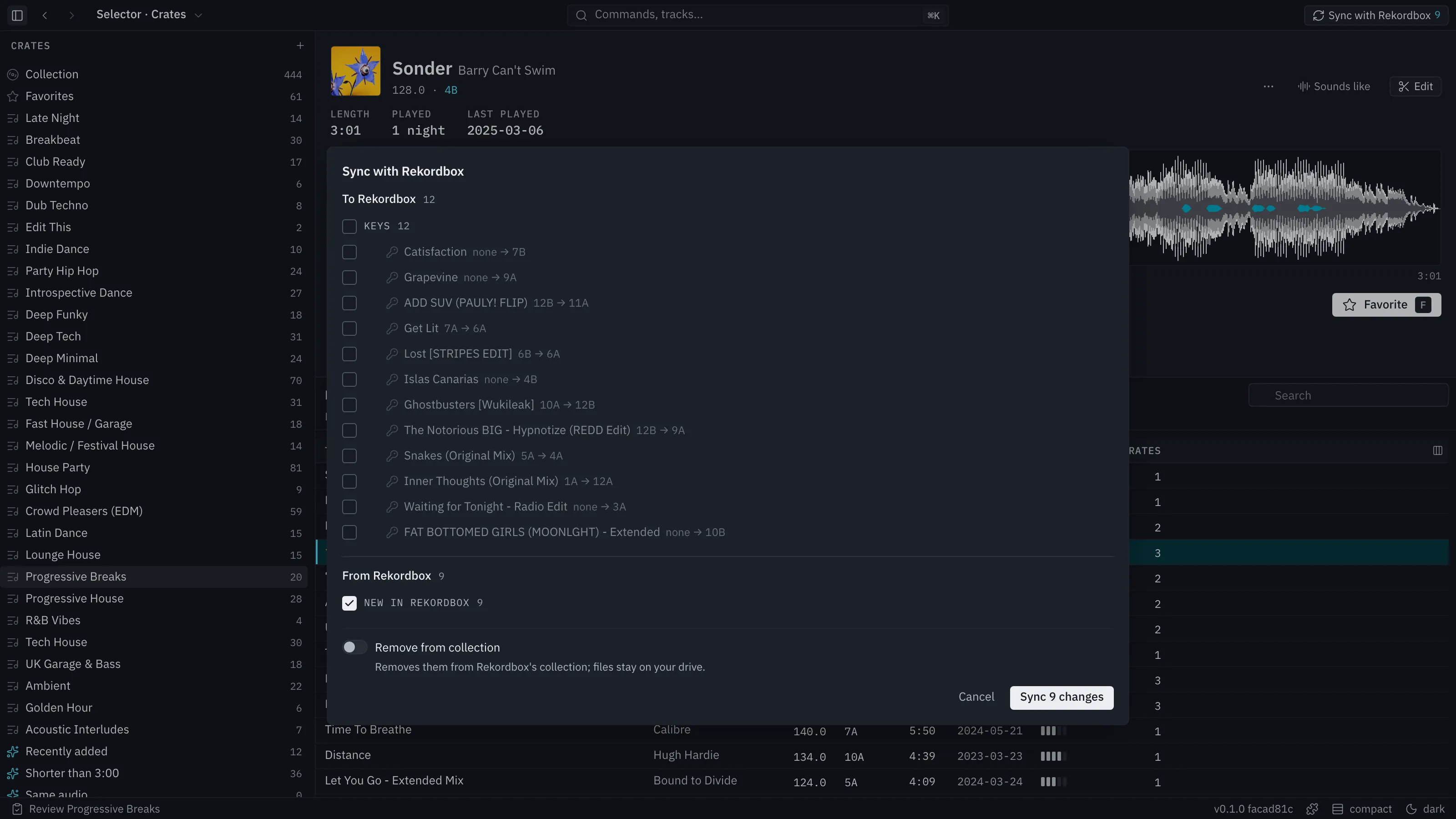
Placeholder: nothing happens to your library behind your back
Every change shown first
Placeholder: Sync lists what goes to Rekordbox and what comes back before anything is written.
Backed up before it writes
Placeholder: both libraries are copied before a Sync, and one step undoes it.
Your files stay put
Placeholder: audio is read where it sits; nothing is moved, retagged or deleted.
Undo for everything
Placeholder: every edit, curve, crate and set is on one history. ⌘Z takes it back.
Built like an editor
Placeholder: keys, undo and menus where you expect them
Placeholder: Selector Studio borrows from the tools you already use for hours at a time.
- ⌘KEvery command, searchable
- ⌘ZUndo anything
- SpacePlay what you last touched
- LLoop the clip
- SSplit at the marker
- ⌘DDuplicate
- 1–7Select, Volume, filters, EQ, Echo, Reverb
- Right-clickA menu on everything
Beta
Placeholder: join the beta
Placeholder: download it now, or leave an email to hear when a new version is out.
Questions
Is there a Windows version?
Placeholder: not yet. Selector Studio is Mac only during the beta.
Does it run on Intel Macs?
Placeholder: the beta is built for Apple silicon (M1 and later).
Do I need Rekordbox?
Placeholder: no. Selector Studio reads a Rekordbox library when it finds one and works on its own when it doesn't.
Will it change my files?
Placeholder: no. Audio files are only read. Changes to Rekordbox happen only through Sync, after you confirm them.
Does it need the internet?
Placeholder: only to download add-ons and updates. Editing, planning and export work offline.
What does it cost?
Placeholder: the beta is free.